NotifyBridge
Send Mobile Push Notifications From Any DIY Hardware Project
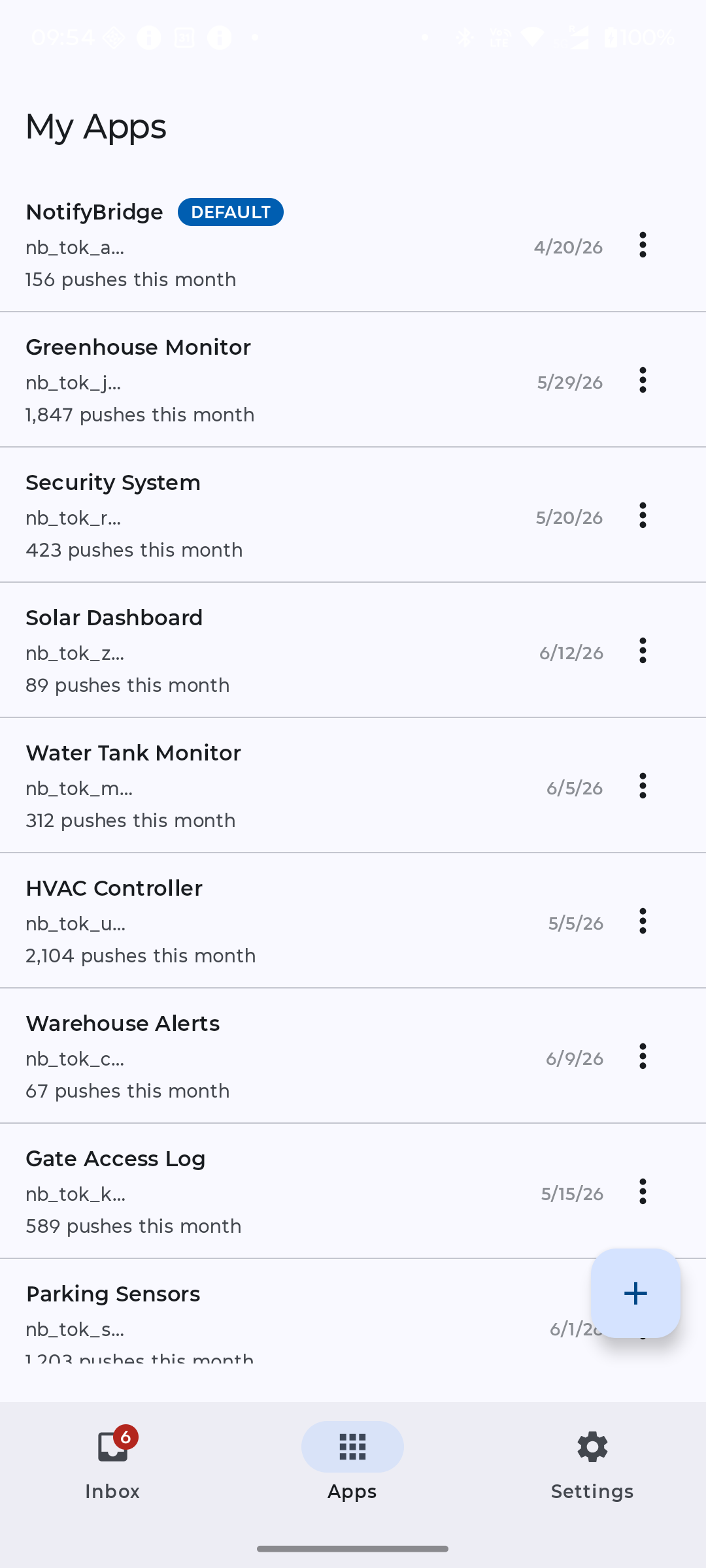
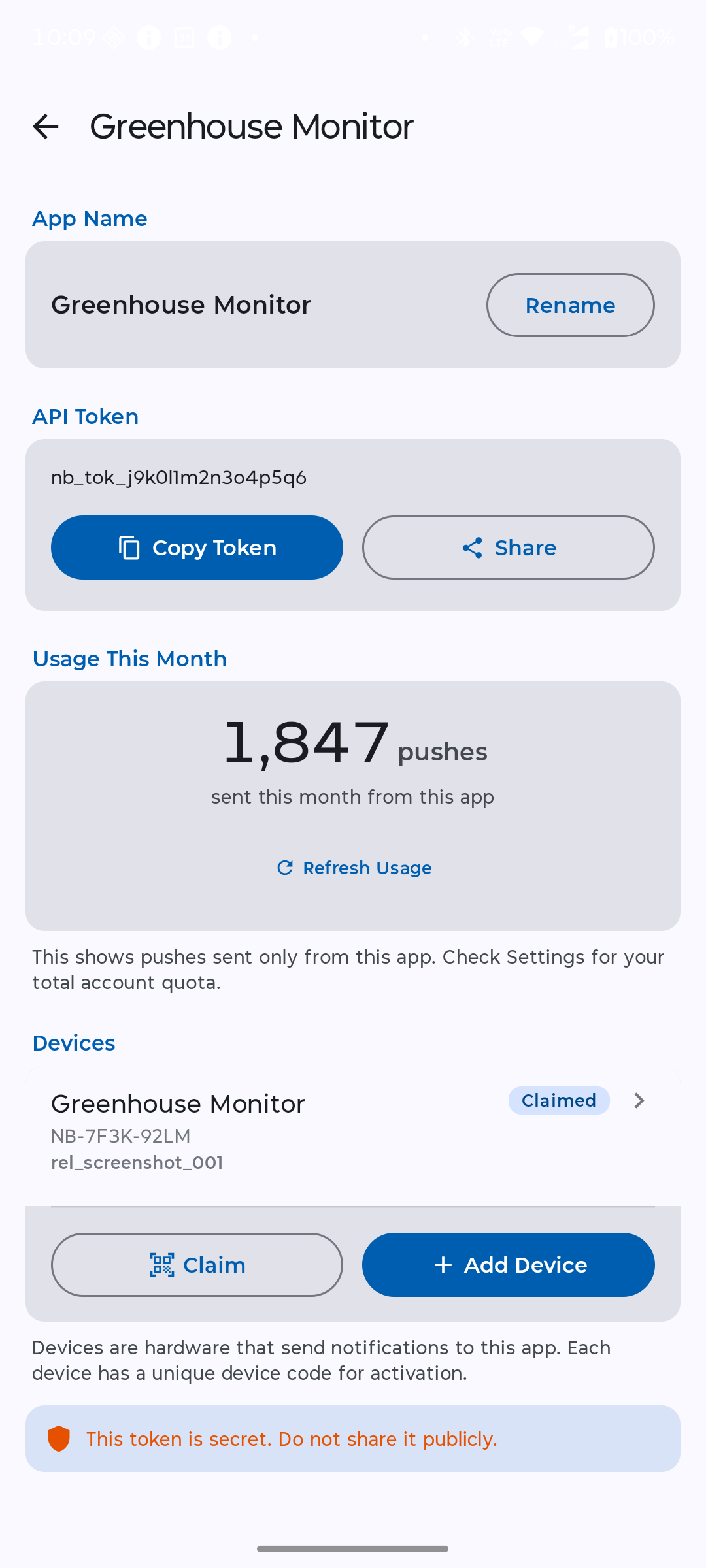
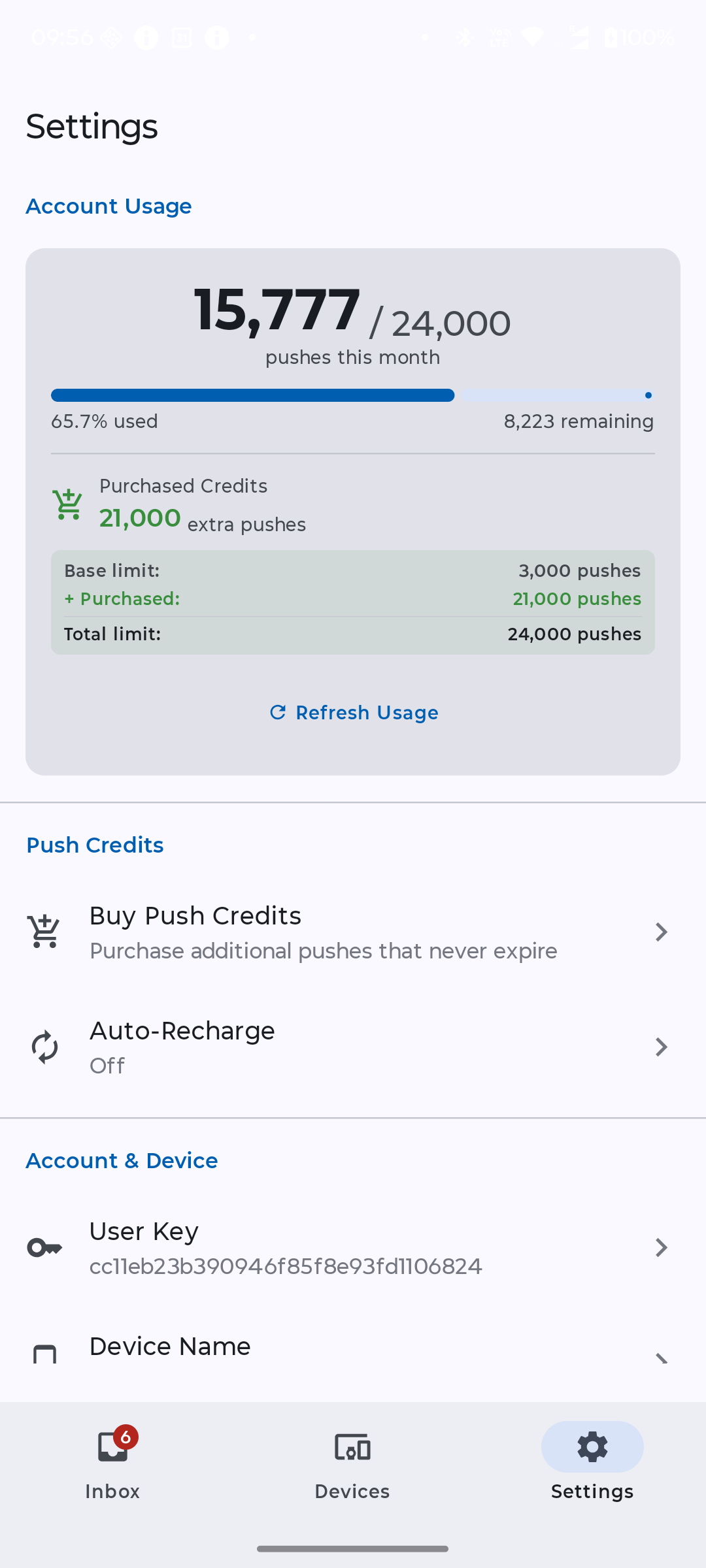
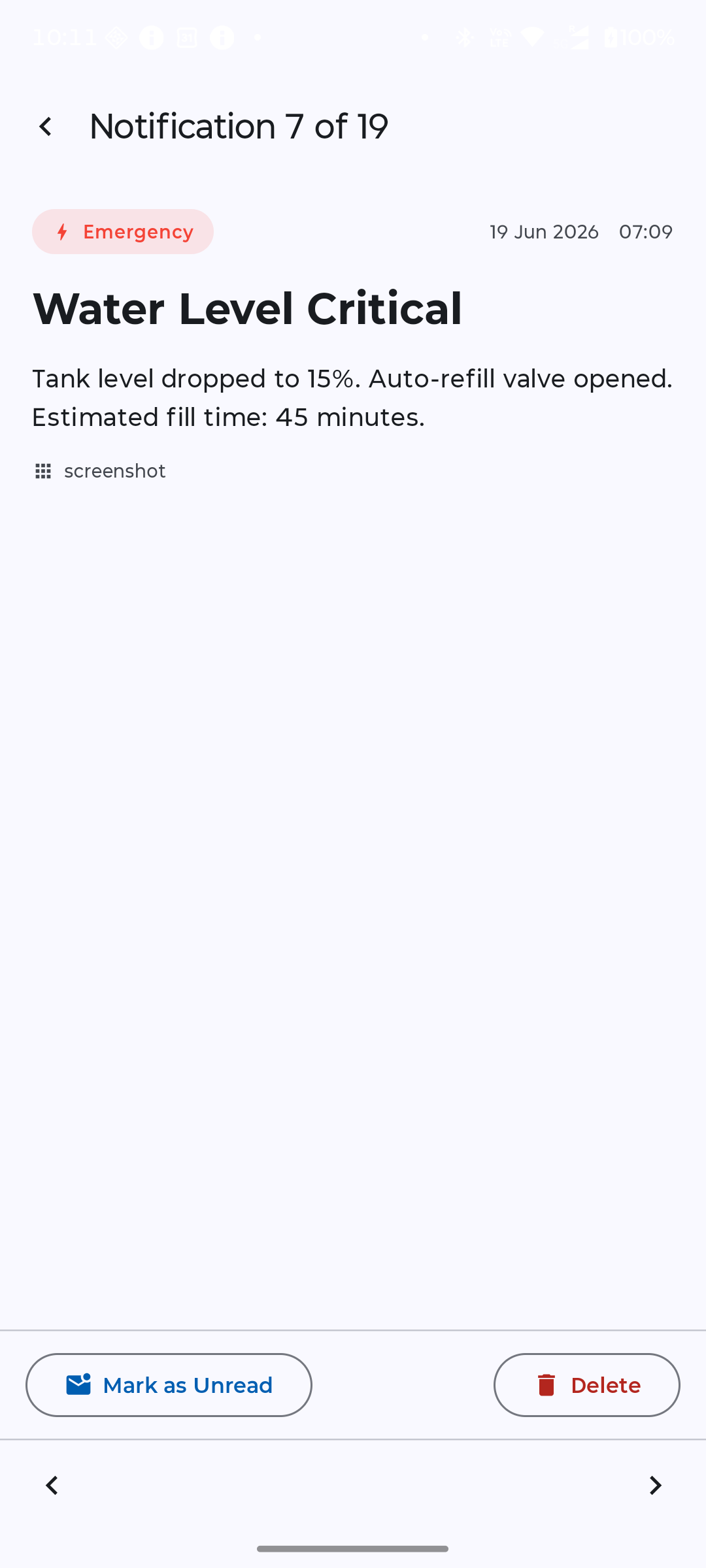

Trigger native iOS & Android alerts from your ESP32, Arduino, or Raspberry Pi using a single HTTP POST request. No heavy SDKs, no Firebase setup, and zero code bloat.
The Absolute Easiest Way to Ping Your Phone
NotifyBridge is the ultimate backend built for makers, smart home hobbyists, and developers who just want their hardware to work. Instead of spending hours fighting with complex mobile SDKs, platform certificates, or massive cloud dashboards, our lightweight REST API lets any microcontroller drop a simple webhook to trigger instant mobile alerts.
Whether you're building an automated garage door sensor, a backyard greenhouse monitor, or a custom home lab alert system, NotifyBridge makes hardware pings effortless.
Send Push Alerts From Any DIY Microcontroller
Your firmware sends notifications using a basic HTTP POST request. Stop wasting precious hardware RAM on bloated platform-specific notification libraries. If your project can make a web request, it works with NotifyBridge.
It's the perfect drop-in backend for:
- ESP32 and ESP8266 Wi-Fi tinker projects
- Arduino IoT smart home setups (Wi-Fi / Ethernet shields)
- Raspberry Pi and Python monitoring scripts
- Home Assistant integrations and custom MQTT webhooks
- DIY 3D printer status and print-finish alerts
- Plant, greenhouse, and soil-moisture sensors
- Battery backups and custom network ping monitors
Two Operating Modes: One for Building, One for Tracking
Studio Mode for Makers & Creators
Generate secure tokens, isolate your side projects, and manage hardware nodes in seconds.
- Create unlimited independent projects with unique REST API tokens
- Trigger instant mobile alerts using clear, standardized REST HTTP parameters
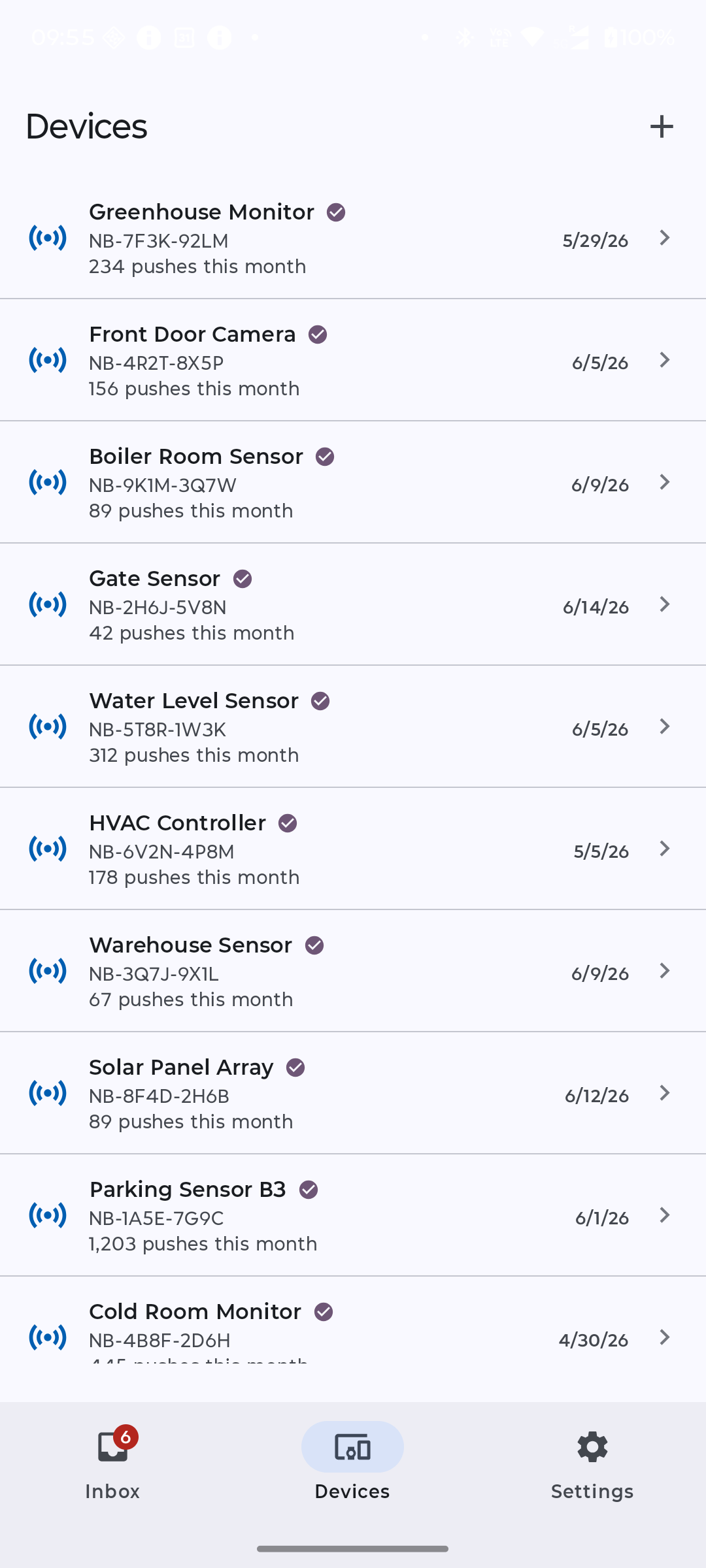
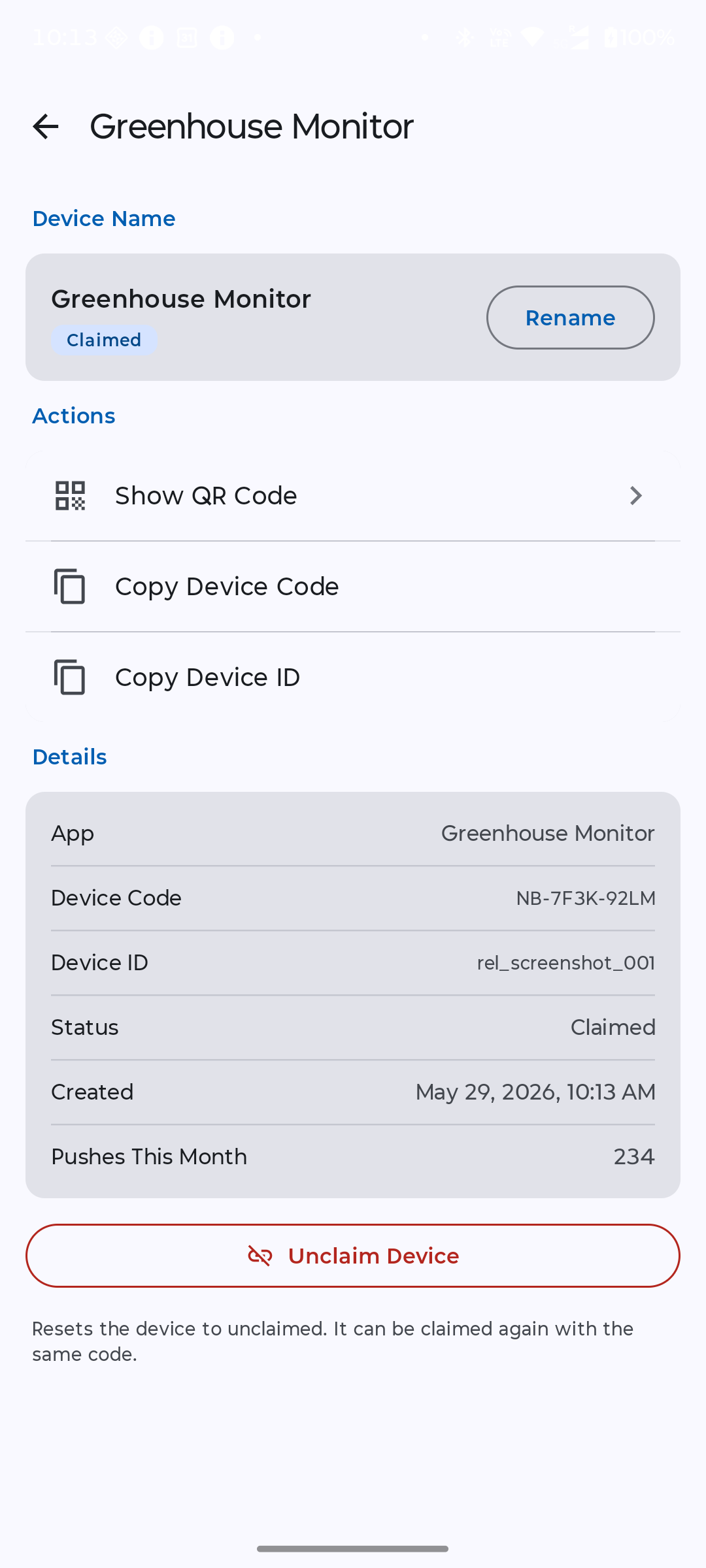
- Generate unique device codes and QR tags to link specific hardware units
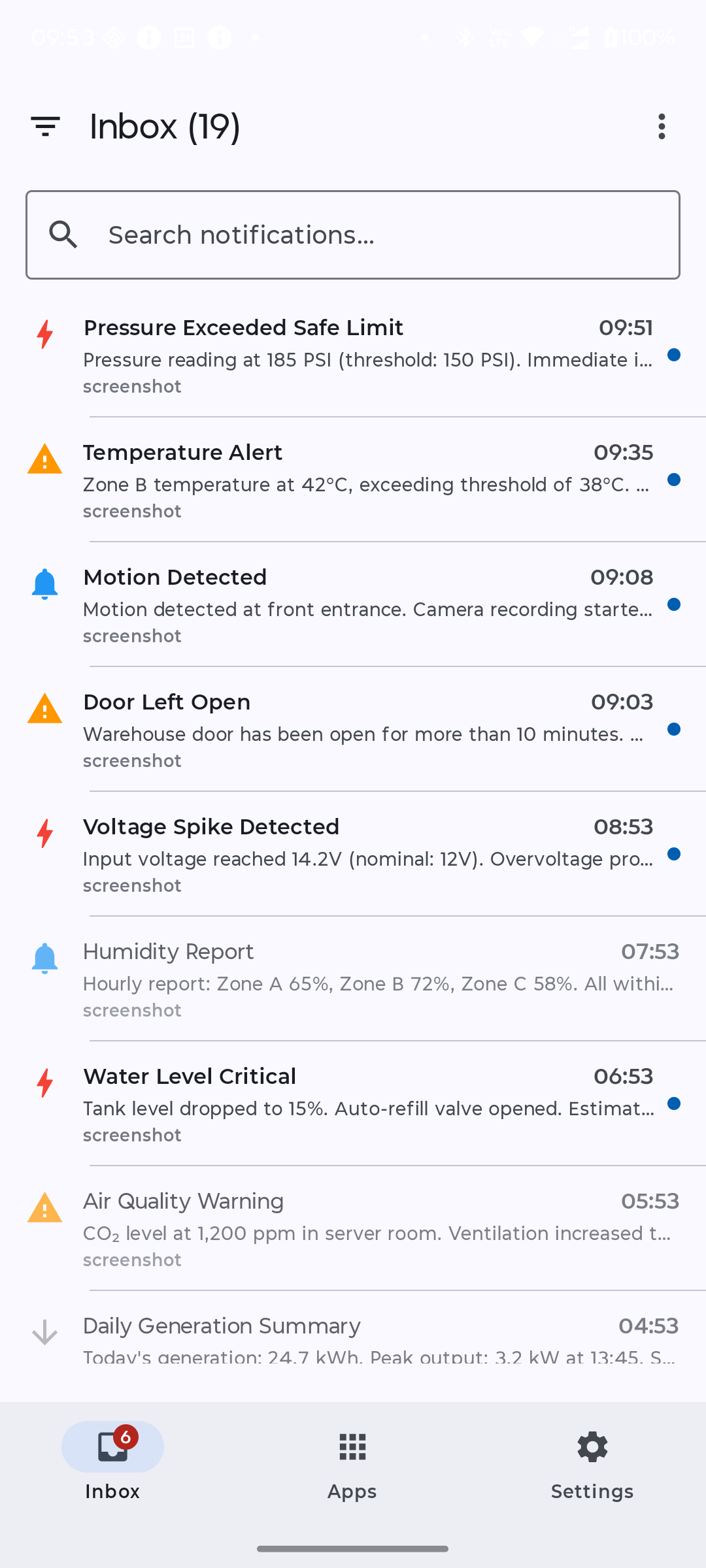
- Monitor your push usage and real-time delivery status via a clean live log
- Built for privacy: No tracking, no annoying ads, and zero analytics bloat
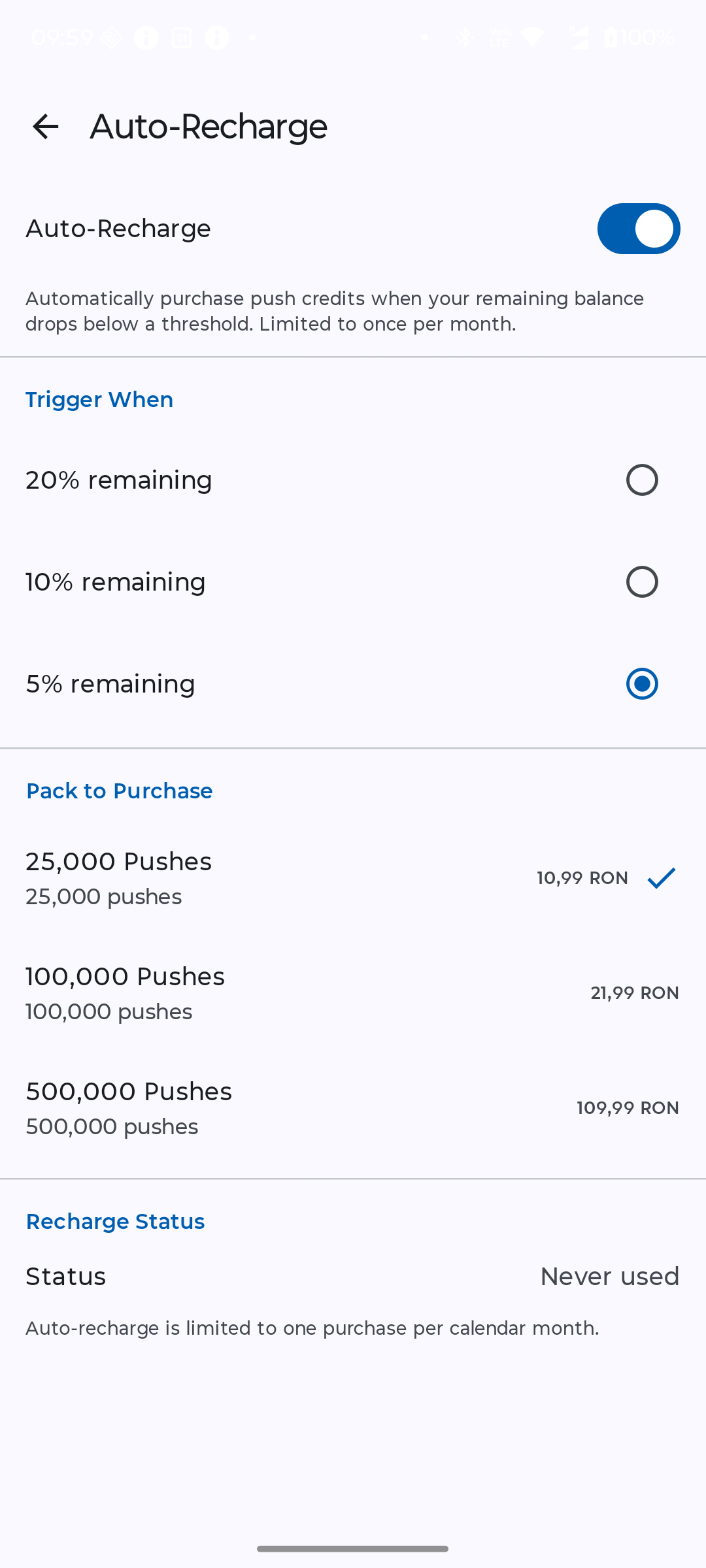
- Expand capacity anytime with non-expiring, pay-as-you-go credit packs
Subscriber Mode for Daily Use & Sharing
Connect your phone to your projects instantly—or hand the app to family and lab partners with zero configuration required.
- Scan a project QR code or enter a device code to start receiving alerts instantly
- Receive lightning-fast, native push notifications on iOS and Android
- Browse a clean, persistent timeline of your project's historical alerts
- Filter logs easily by priority tags (Low, Normal, High, Emergency)
- Supervise your entire ecosystem of DIY hardware nodes from a single, unified inbox
- Easily share device access with family or team members via Group invites
From Raw Code to Your Phone in 60 Seconds
- Grab a Token: Open Studio Mode to instantly initialize a project and get your API key.
- Add a Device: Create a device entry to generate its custom device code and QR tag.
- Link Your Phone: Switch to Subscriber Mode and scan the QR code to link your mobile device.
- Fire the Webhook: Have your code execute a standard HTTP POST to the NotifyBridge API endpoint.
- See It Live: The notification drops directly onto your phone screen instantly.
What the Code Actually Looks Like
This is the whole integration. One endpoint, one JSON body, four required fields. Nothing to install on the phone side beyond the app itself.
Send a push notification with curl
curl -X POST https://notifybridge.mindeon.net/v1/messages/send \
  -H "Content-Type: application/json" \
  -d '{
    "api_token": "YOUR_API_TOKEN",
    "user_key": "YOUR_USER_KEY",
    "device_code": "MS-ABCD-EF12",
    "message": "Temperature exceeded 40°C",
    "priority": 1
  }'
Send a push notification from an ESP32 (Arduino C++)
#include <WiFi.h>
#include <HTTPClient.h>

void sendNotification(const String& message, int priority = 0) {
    HTTPClient http;
    http.begin("https://notifybridge.mindeon.net/v1/messages/send");
    http.addHeader("Content-Type", "application/json");

    String body = "{";
    body += "\"api_token\":\"YOUR_API_TOKEN\",";
    body += "\"user_key\":\"YOUR_USER_KEY\",";
    body += "\"device_code\":\"MS-ABCD-EF12\",";
    body += "\"message\":\"" + message + "\",";
    body += "\"priority\":" + String(priority);
    body += "}";

    int code = http.POST(body);
    http.end();
}
Send a push notification from a Raspberry Pi (Python)
import requests

requests.post("https://notifybridge.mindeon.net/v1/messages/send", json={
    "api_token":   "YOUR_API_TOKEN",
    "user_key":    "YOUR_USER_KEY",
    "device_code": "MS-ABCD-EF12",
    "message":     "Soil moisture below threshold",
    "priority":    1,
})
Go, Ruby, Node.js and PHP examples live in the NotifyBridge REST API reference, and complete working firmware sketches are in the NotifyBridge device examples repository.
No Firebase Required — Here's What You Skip
Sending a push notification to a phone from your own hardware normally means standing up mobile push infrastructure first. Because NotifyBridge publishes the receiving app, none of that lands on you.
| Step | Rolling your own push | With NotifyBridge |
|---|---|---|
| Firebase / FCM project | Create a project, add a service account, ship google-services.json | Not needed |
| Apple push certificates | Apple Developer account, APNs key, annual renewals | Not needed |
| Mobile app | Build and publish an iOS and Android app to receive the push | Install the NotifyBridge app |
| Device libraries | Push SDK compiled into your firmware, eating flash and RAM | Any HTTP client |
| Accounts and keys | User accounts, sign-in flow, token refresh handling | A static API token and user key |
| Time to first notification | Hours to days | About 60 seconds |
Perfect for Your Next Weekend Build
Smart Home & Perimeter Tinkering
Get immediate, high-priority alerts when a garage door stays open too long, a motion sensor trips, or a smart mailbox receives mail.
Hydroponics, Gardens & Weather Stations
Track water levels in your reservoirs, monitor greenhouse temperature dips, or get notified when your custom solar rig drops below optimal battery thresholds.
Server Monitoring & Home Labs
Keep tabs on your personal server stack—receive instant pings for SSH logins, public IP changes, or high CPU loads without setting up massive enterprise monitoring suites.
Scaling to Production
Built on robust architecture, NotifyBridge scales effortlessly if your weekend prototype turns into a full-scale industrial monitor, commercial security network, or field telemetry setup.
3,000 Free Notifications Every Single Month
Every account includes 3,000 complimentary push notifications per month out of the box—no credit card required, no recurring subscription traps, and no data harvesting. If your projects grow or you scale up your automation layout, top up anytime with affordable credit packs that never expire.
Frequently Asked Questions
How do I send a push notification from an ESP32?
https://notifybridge.mindeon.net/v1/messages/send with a JSON body containing api_token, user_key, device_code and message. On an ESP32 that is roughly ten lines using WiFi.h and HTTPClient.h — see the Arduino C++ example above. No notification library is involved, because delivery to the phone is handled by the NotifyBridge app.
Can I use NotifyBridge without Firebase?
google-services.json to ship, no APNs certificate to renew and no mobile SDK to compile. Your hardware only makes a plain HTTP POST request — all of the push infrastructure sits on the NotifyBridge side, because NotifyBridge publishes the app that receives the notification.
How many free push notifications do I get?
What hardware works with NotifyBridge?
Do I need to create an account to use NotifyBridge?
How do I send a notification to one specific device instead of all of them?
device_code field, formatted MS-XXXX-XXXX, in the request body. The notification then goes only to the subscriber who claimed that device. Omit device_code and the notification broadcasts to every device claimed under that API token plus your own registered devices — handy while testing, but ship firmware with the device code hardcoded.
What are the NotifyBridge priority levels?
priority field takes an integer from -1 to 2: -1 Low, 0 Normal (the default), 1 High and 2 Emergency. Subscribers can filter their notification history by priority, so a low-priority telemetry ping never buries a real alarm.
How much does NotifyBridge cost?
Ready to Simplify Your Project Pings?
Download NotifyBridge today on iOS and Android. Your first API token is ready the millisecond you launch the app. Read the NotifyBridge REST API reference to send your first curl or firmware payload right now, or walk through the step-by-step NotifyBridge developer guide.
NotifyBridge at a glance
NotifyBridge is a REST API platform and mobile app by Mindeon that sends push notifications to iOS and Android phones from hardware projects — ESP32, Arduino, Raspberry Pi, or anything else that can make an HTTP request. Your firmware POSTs a small JSON body to a single endpoint and the alert lands on the linked phone. There is no Firebase project to configure, no APNs certificate to renew, no mobile SDK to compile, and no account to create.
- Endpoint
- POST https://notifybridge.mindeon.net/v1/messages/send
- Authentication
- api_token and user_key, sent in the JSON body
- Hardware
- ESP32, ESP8266, Arduino, Raspberry Pi, or any HTTP client
- Phones
- Native push on iOS and Android
- Free tier
- 3,000 push notifications per month, no credit card
- Not required
- Firebase, APNs certificates, mobile SDKs, sign-up
⚙️ Looking for copy-and-paste firmware examples? Explore our official community repository on GitHub for ready-to-use ESP32, Arduino, and more code snippets: github.com/mindeon/NotifyBridge-Devices